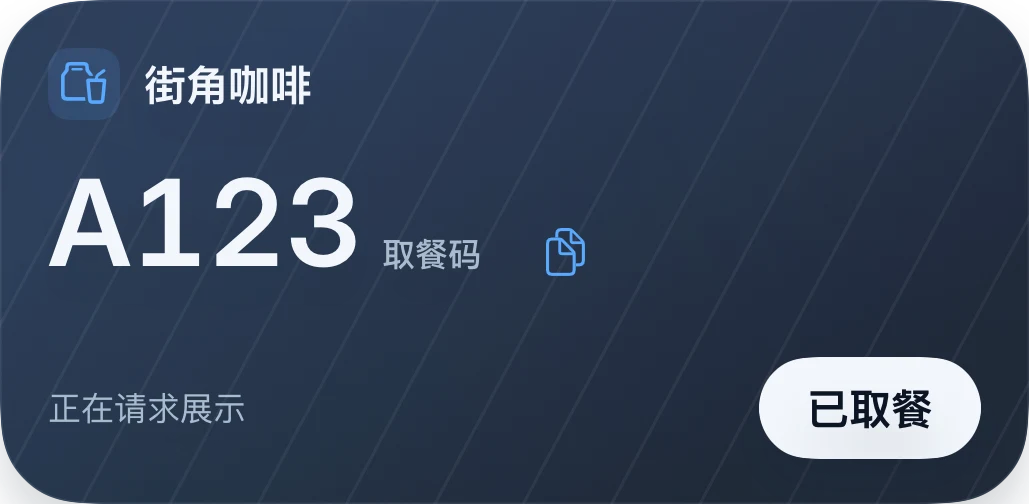
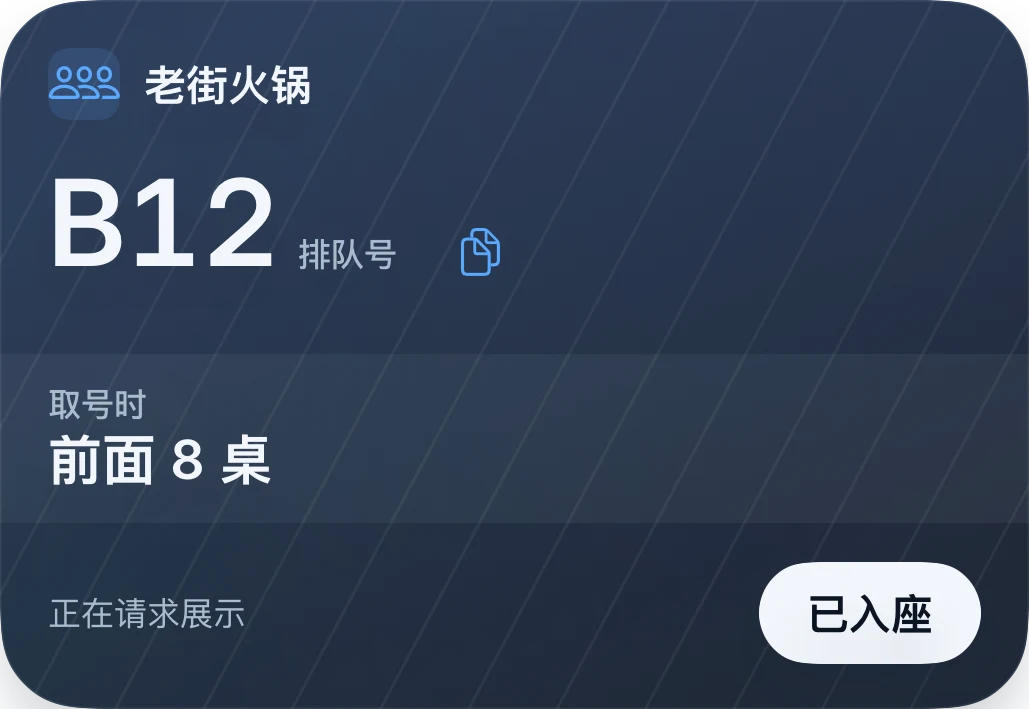
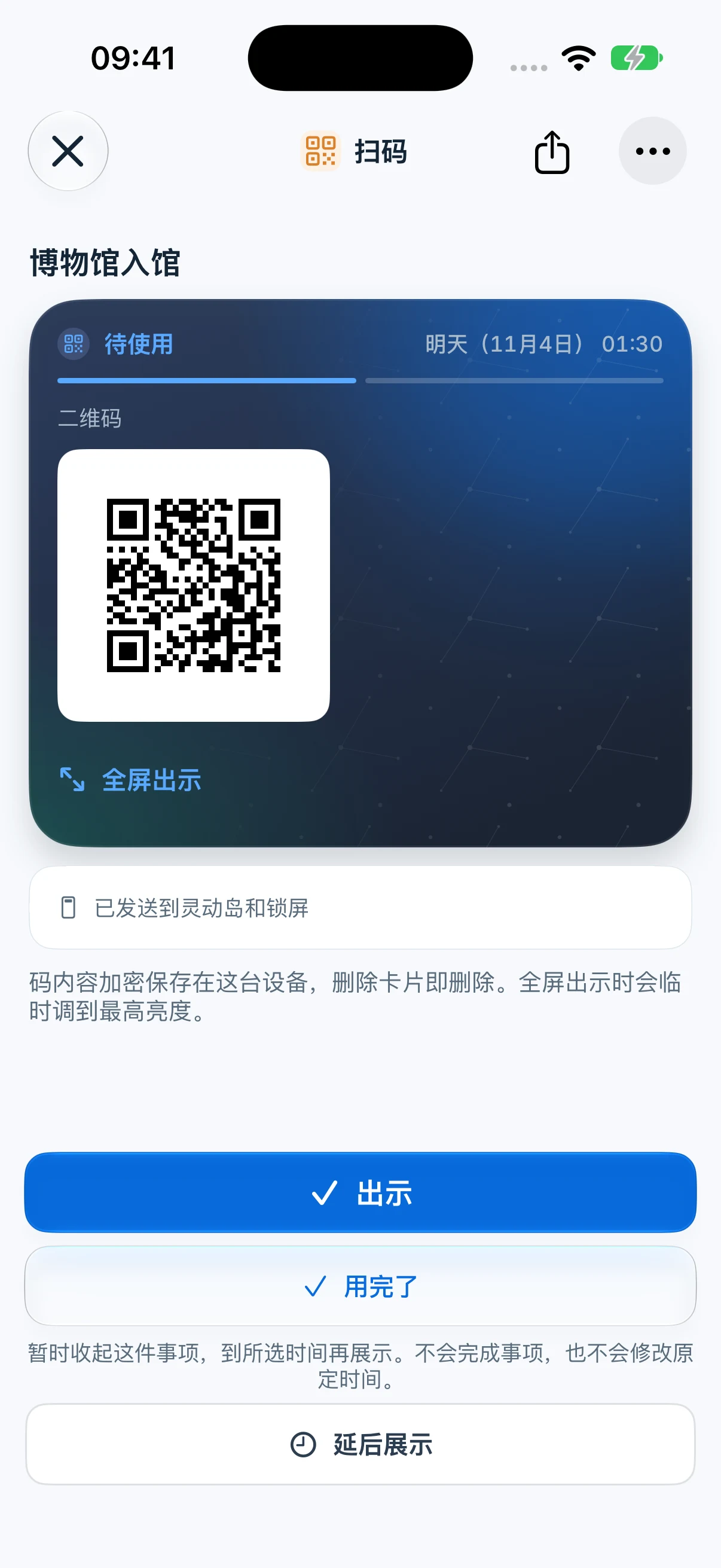
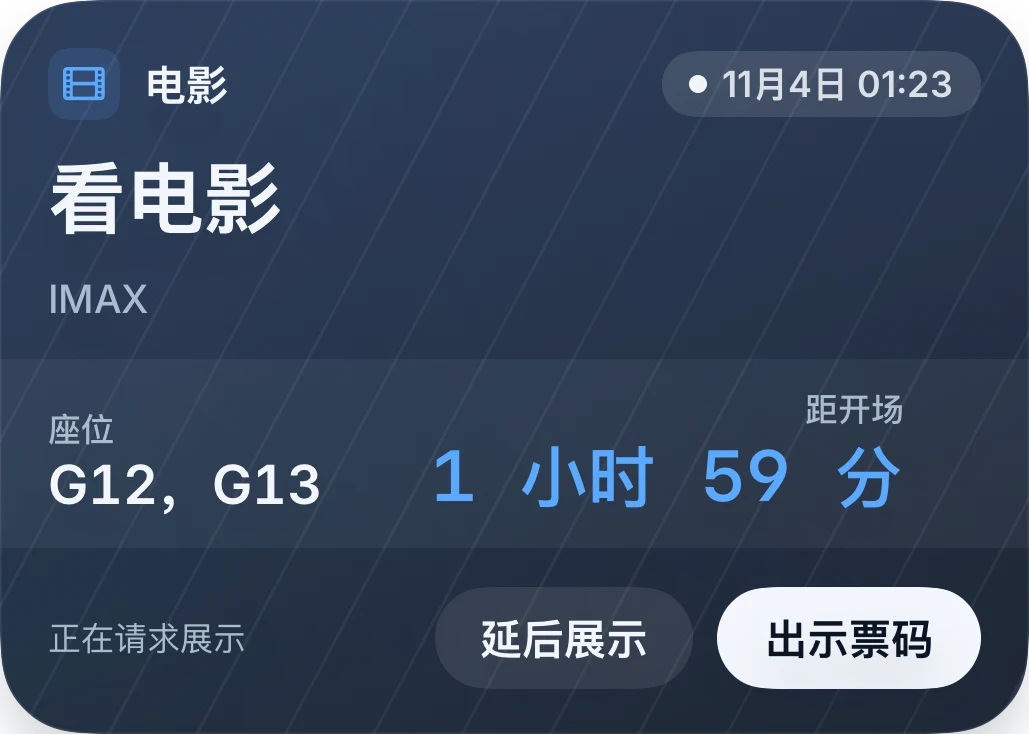
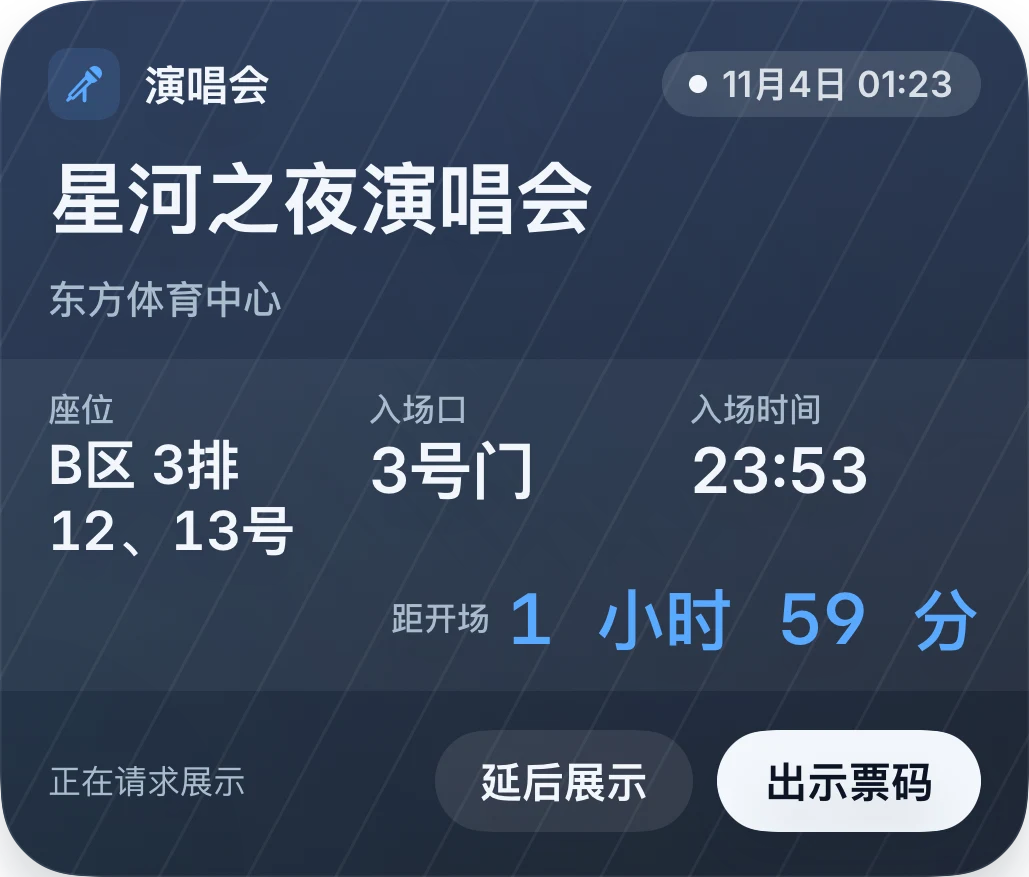
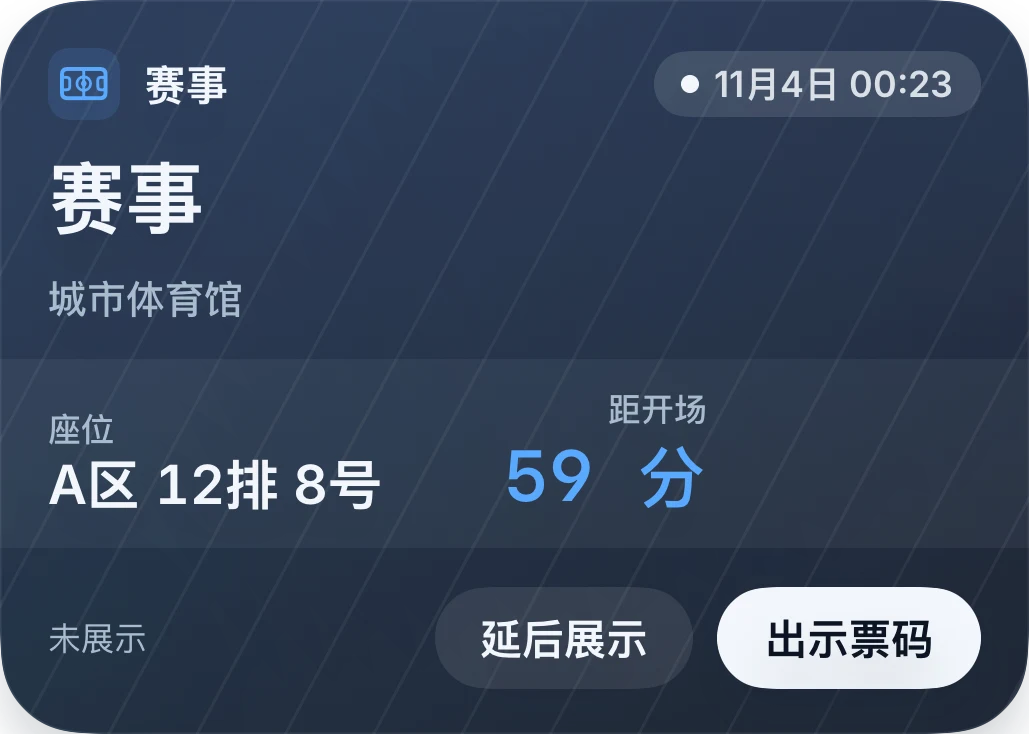
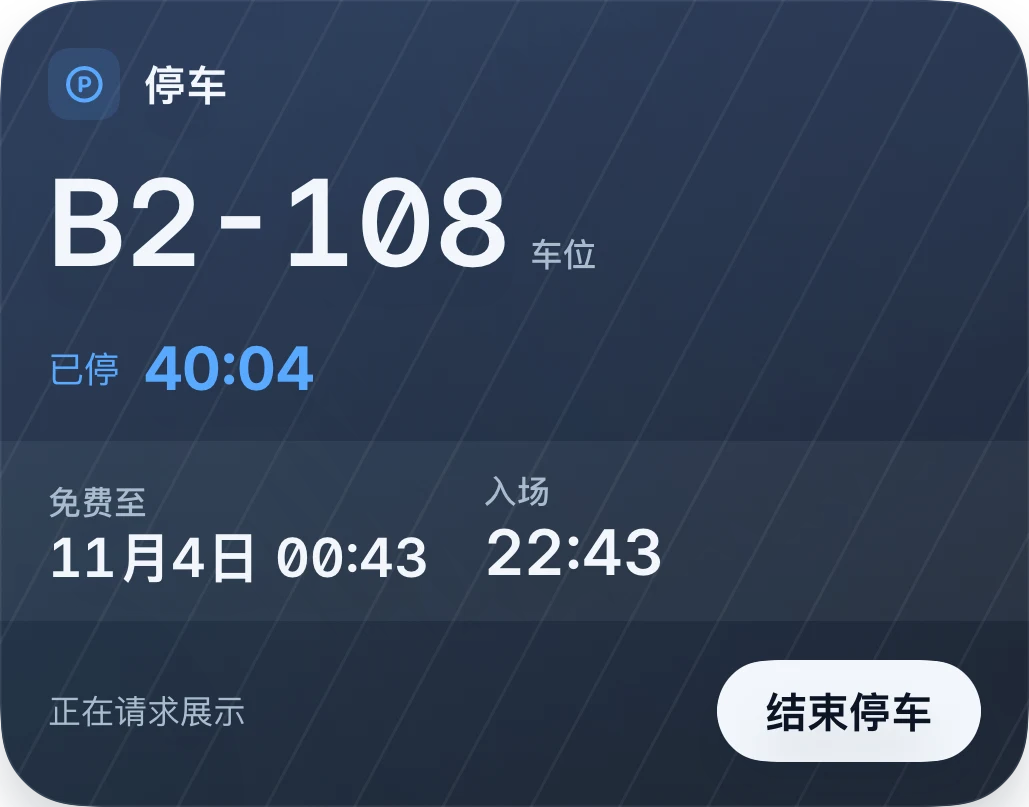
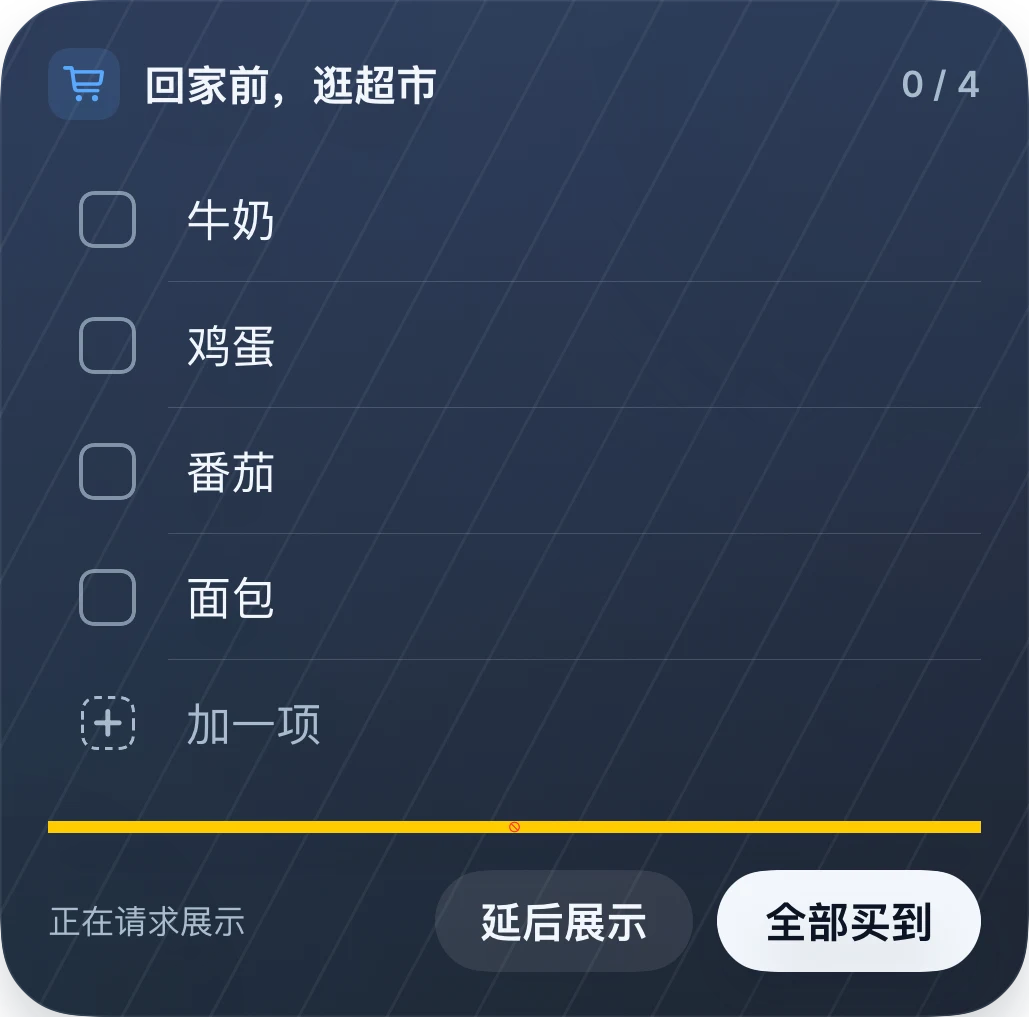
Turn tickets, collection codes, to-dos and everyday plans into useful action cards. Start with a screenshot. Keep the next step in sight on your Lock Screen, Dynamic Island and Apple Watch.
1.2 feature preview · The public App Store version is currently 1.1.1. Check the store for the version available to download.
Native 1.2 app screenshots with sample data and a Simplified Chinese interface. Select an image to enlarge it.
22+Features
20Themes
iPhone · Dynamic Island Apple Watch
01NEAR 1.2
22+ kinds of things to do.
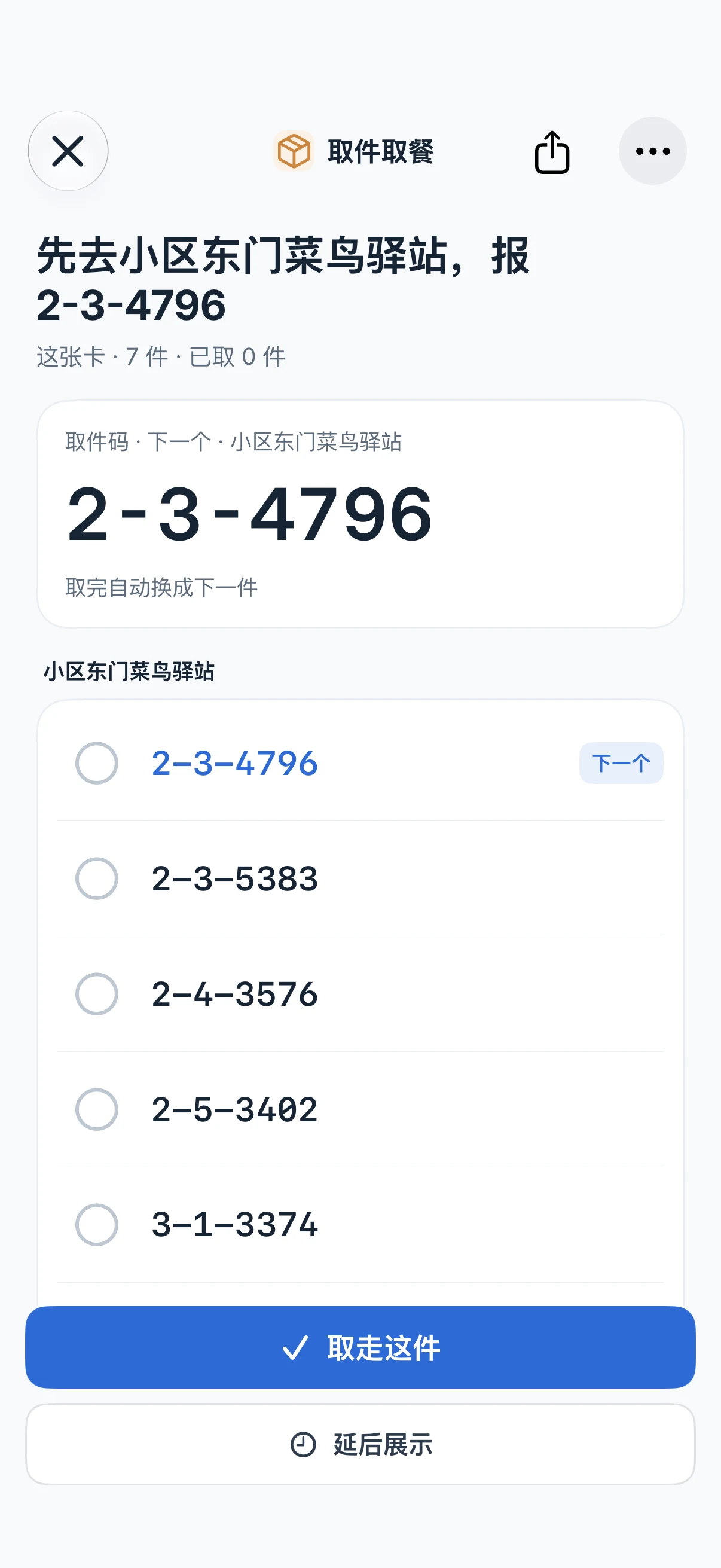
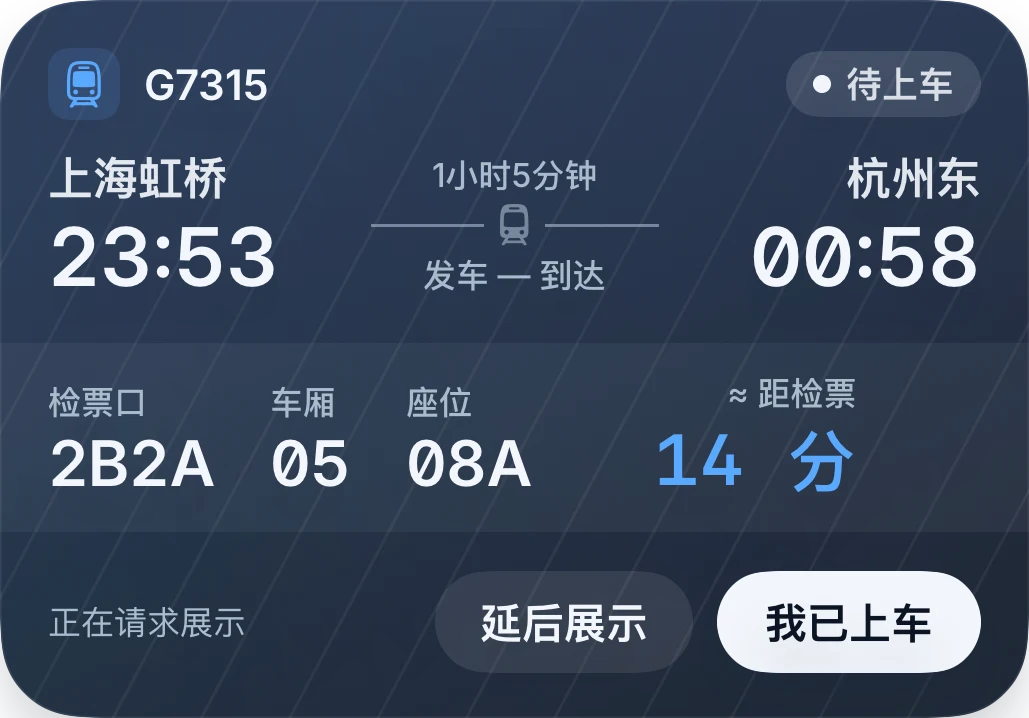
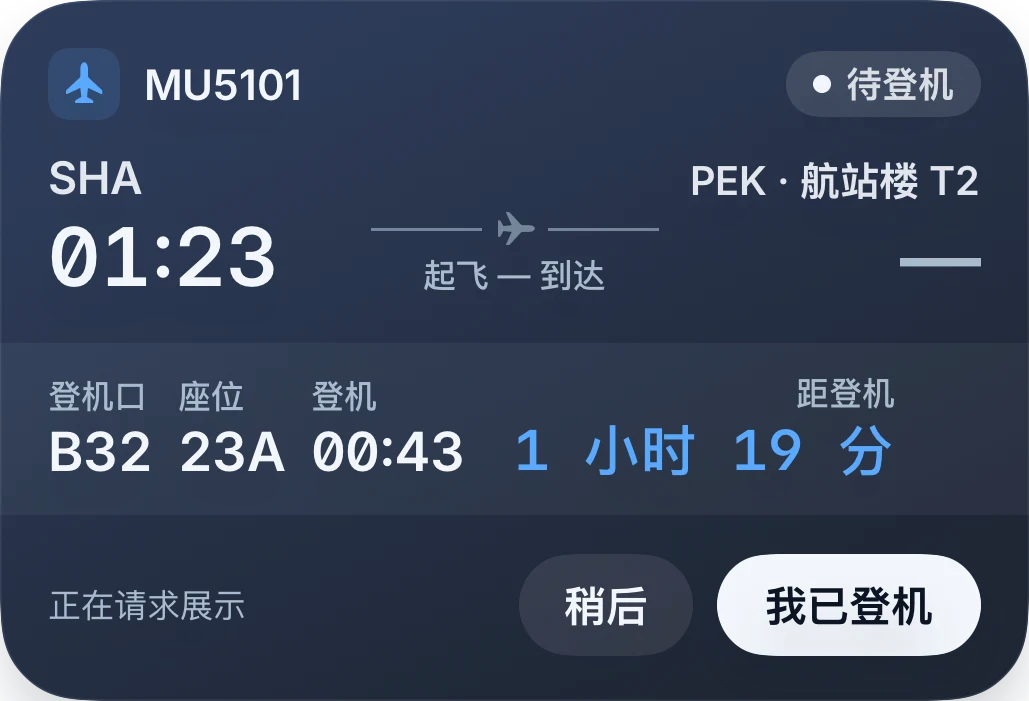
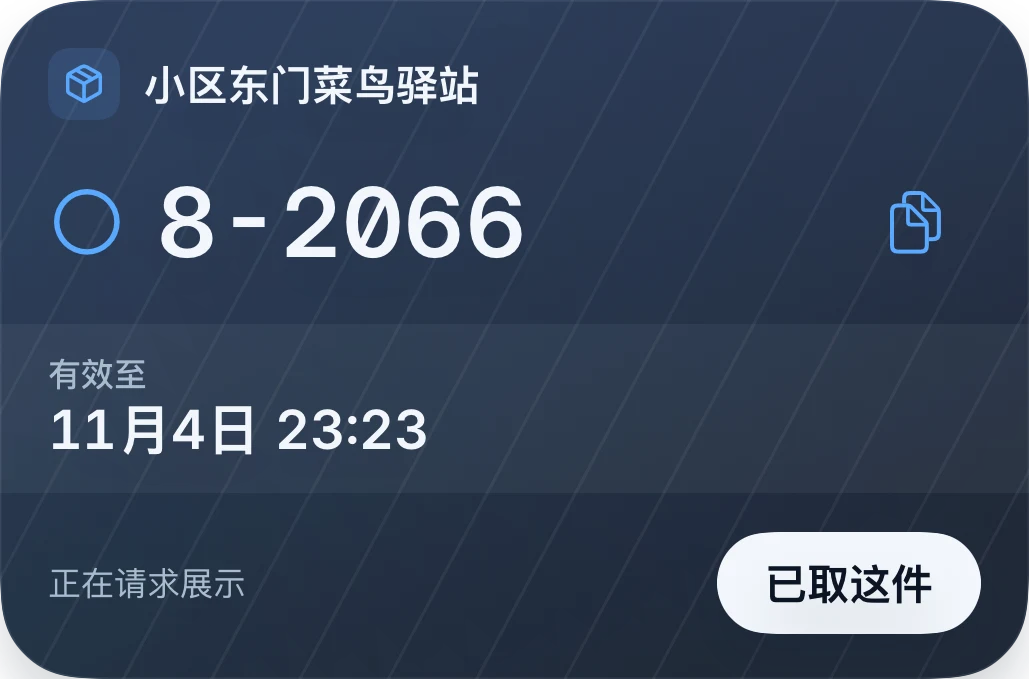
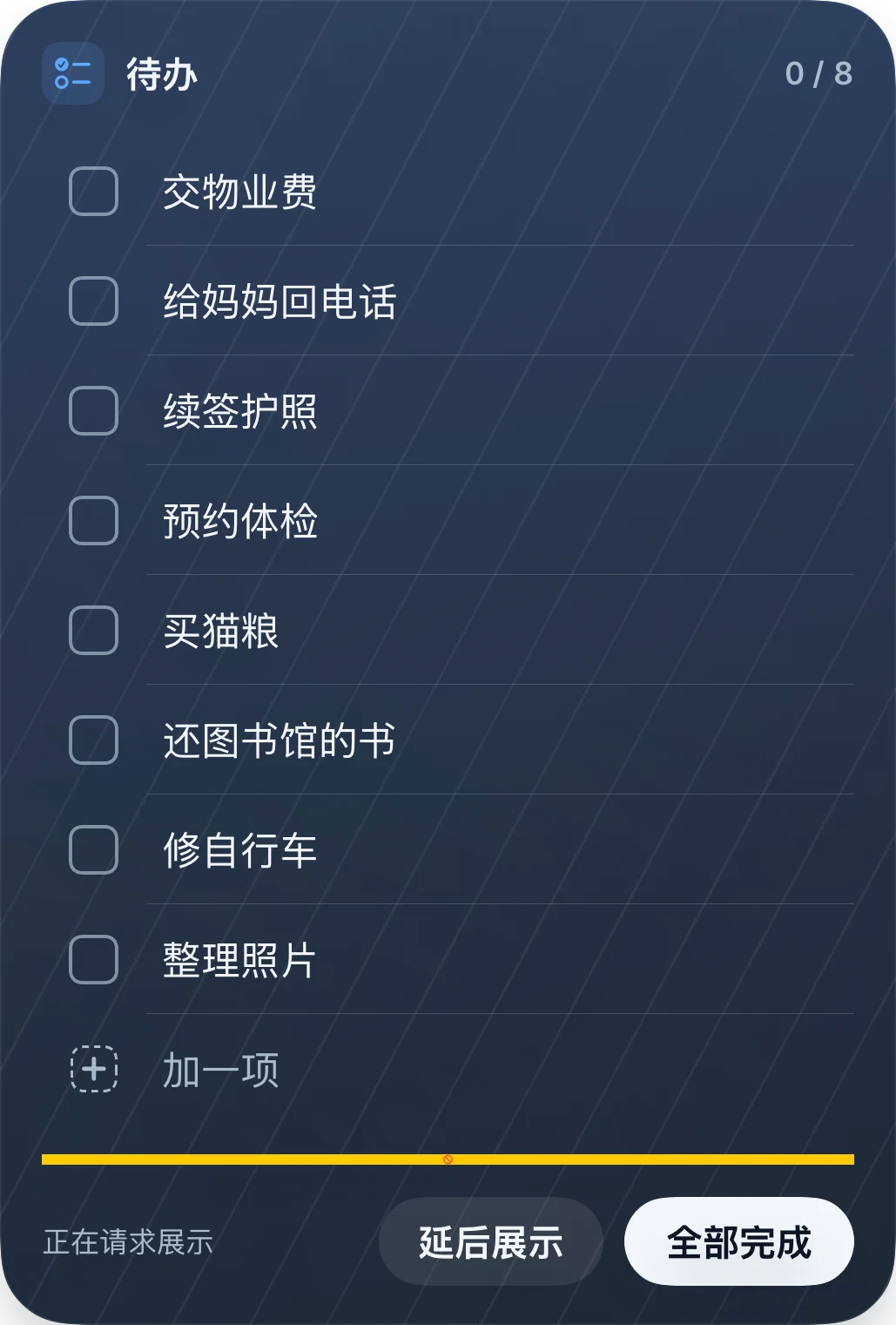
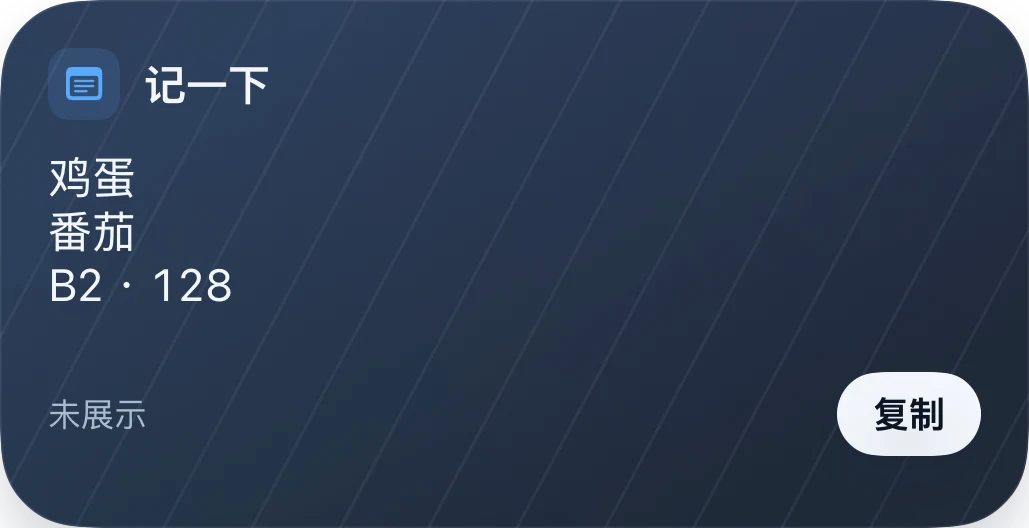
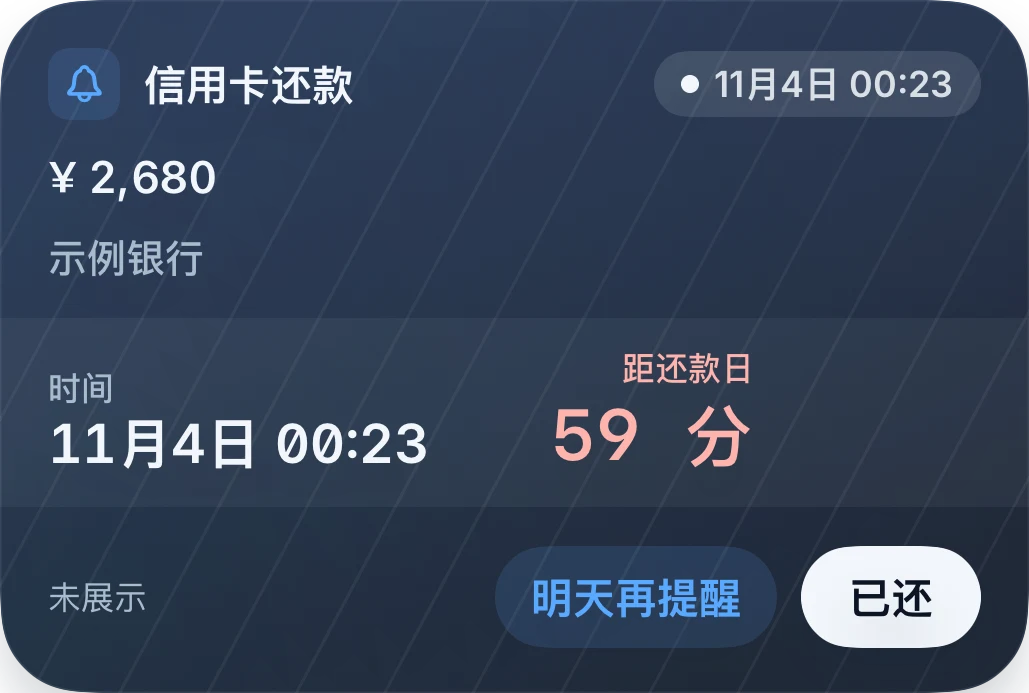
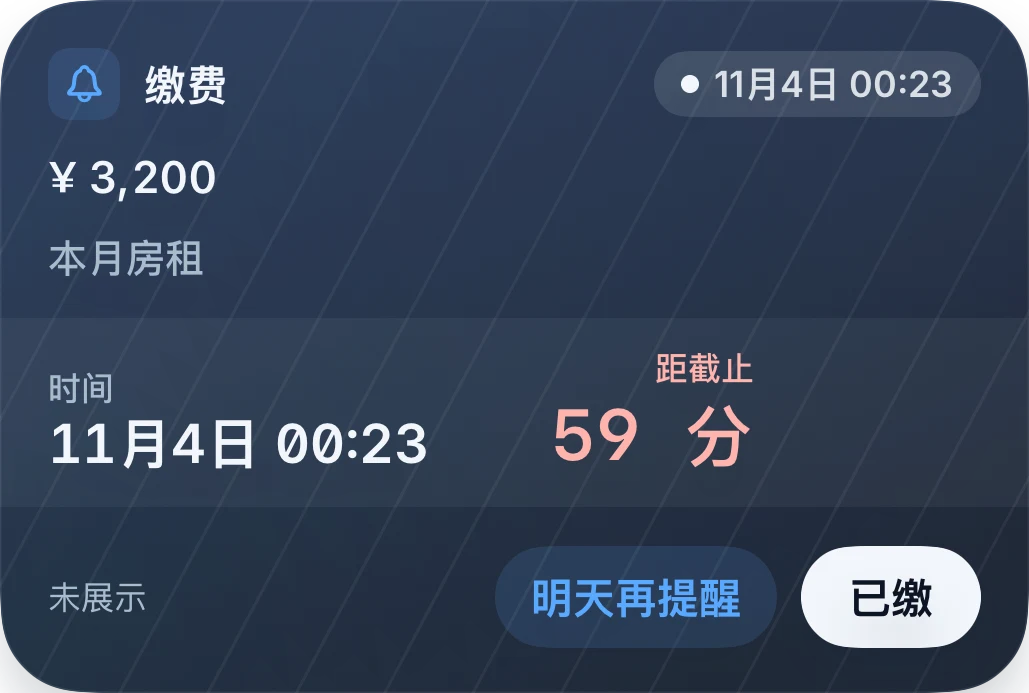
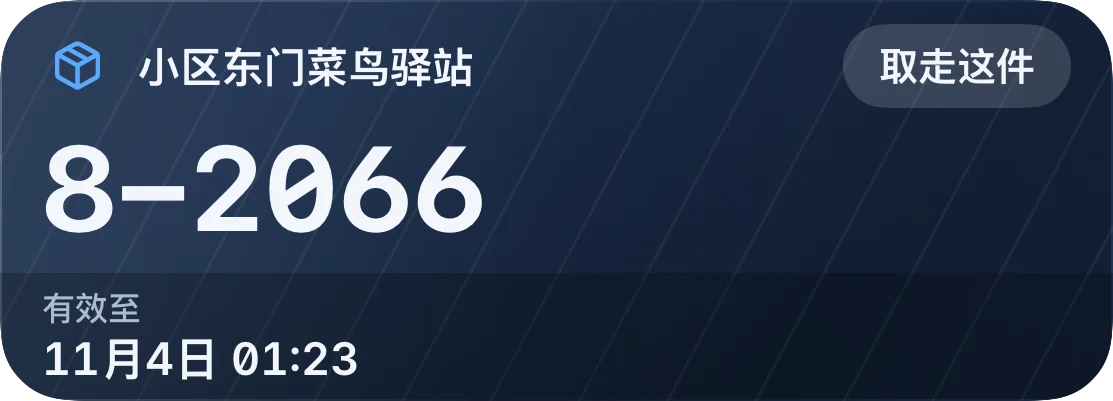
A seat for your journey. A code for your parcel. A checklist you can finish one step at a time. Each card has a layout suited to its content, with more entries for classes, hotels, medication and appointments.
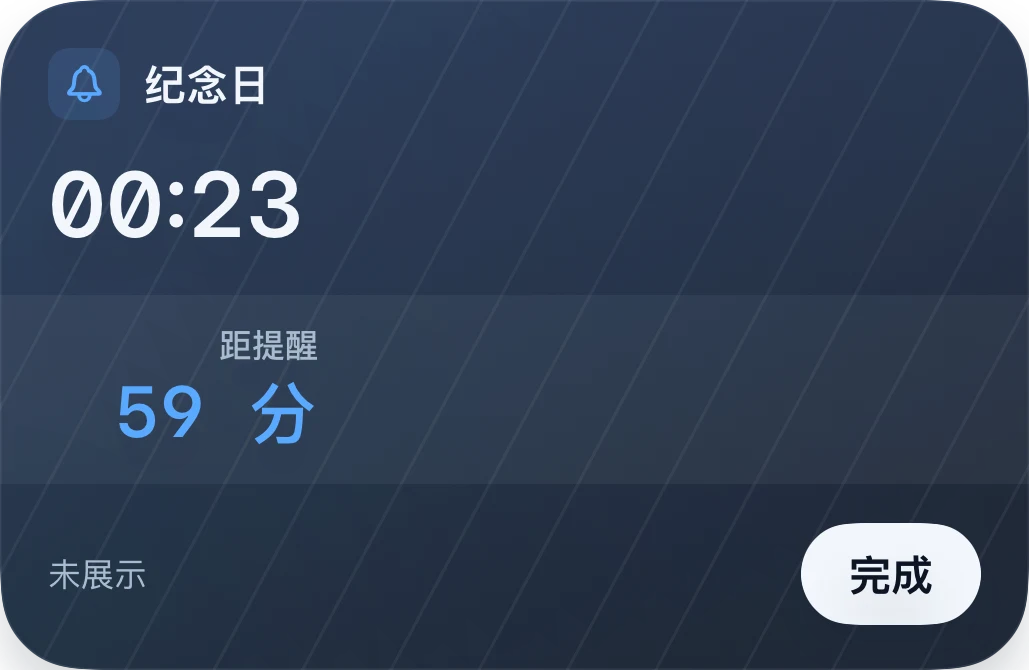
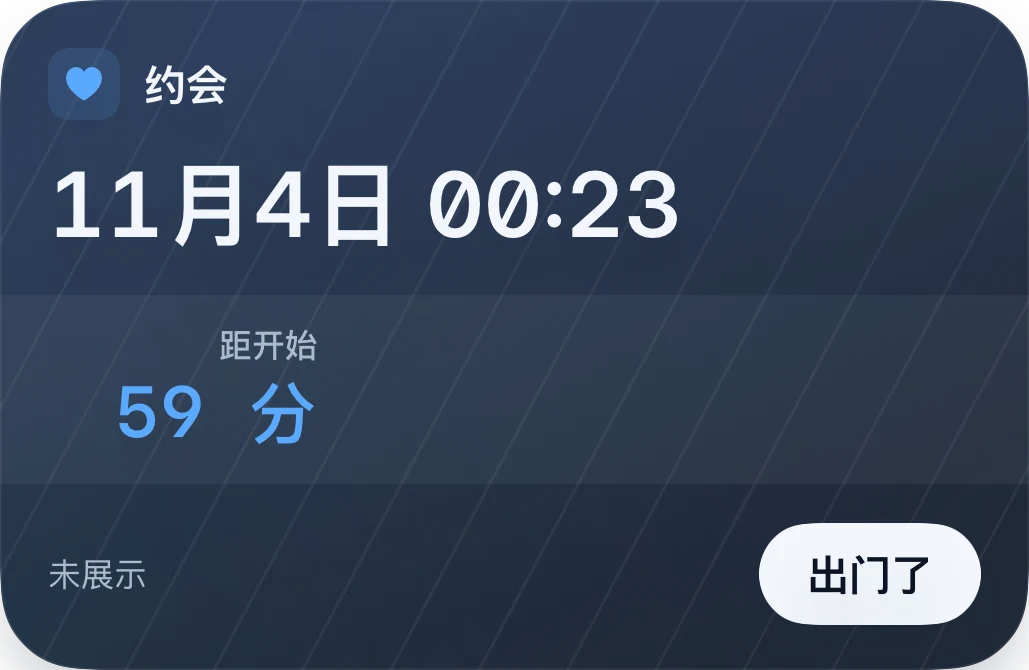
Native 1.2 card component renders with sample data. Actual Lock Screen, Dynamic Island and Watch presentation depends on the device, system and permissions.
02NEAR 1.2
Less typing.
More understanding.
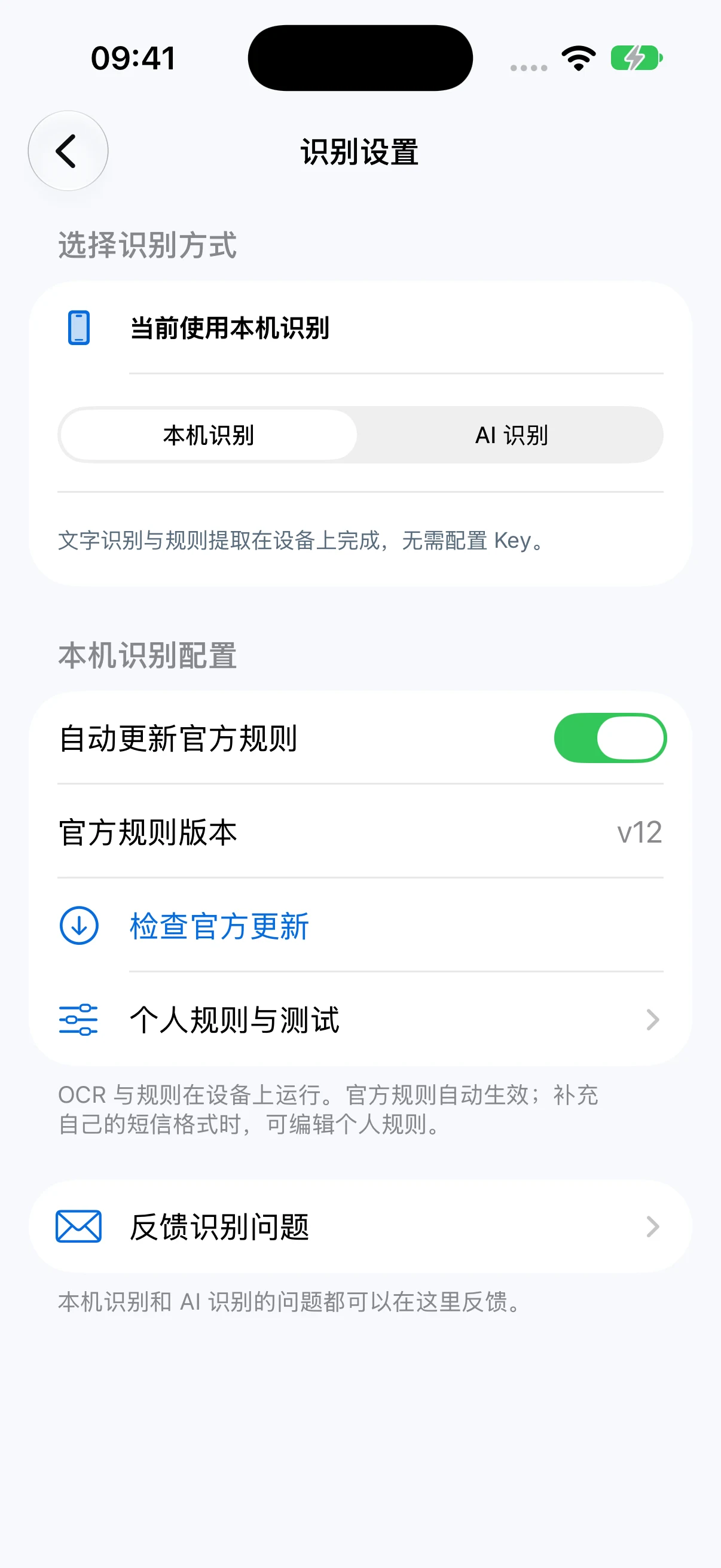
Bring in text, screenshots, photos, shared content or Shortcuts input. Version 1.2 improves on-device rules and image layout recognition, and can extract multiple items from one input. Review uncertain fields before relying on them.
TextImagesShortcuts→Near
Native 1.2 app screenshots with sample data and a Simplified Chinese interface. Select an image to enlarge it.
On-device recognition for everyday use.
Read text, dates, places and codes on your device. Organize multiple collection codes, meal orders and travel details. Official rule packs and personal rules adapt to familiar messages. Local mode does not send recognition content to an AI service.
Optional AI enhancement.
Use your preferred provider for more complex content. With Pro, configure your own API key, endpoint and model, verify the connection and authorize processing. Text or selected images are sent to that provider; provider charges are separate. Check the results.
03NEAR 1.2
The next thing,
at the right time.
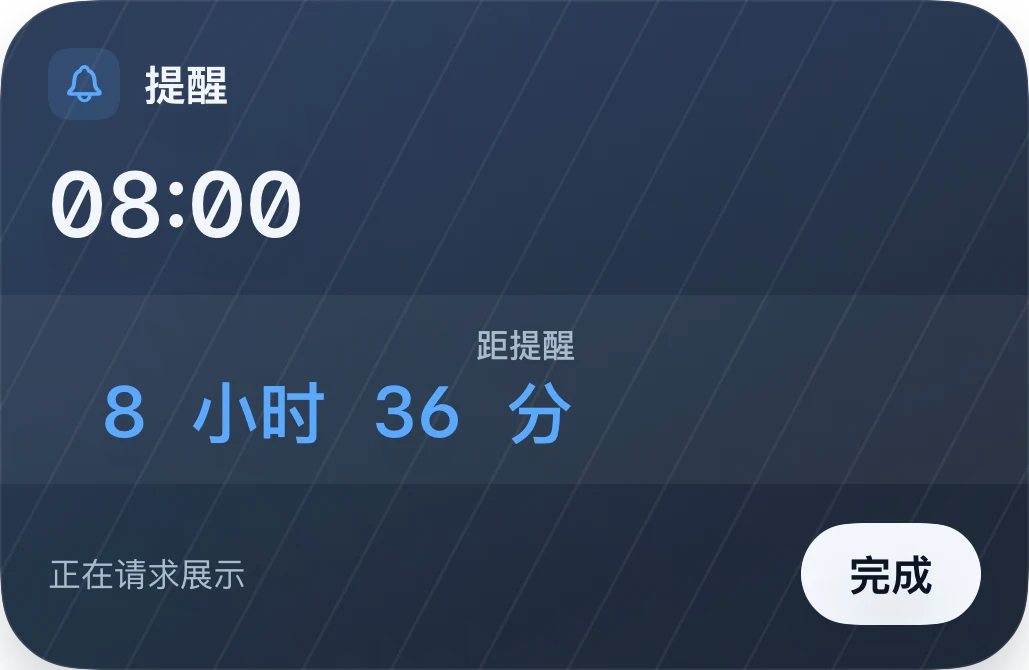
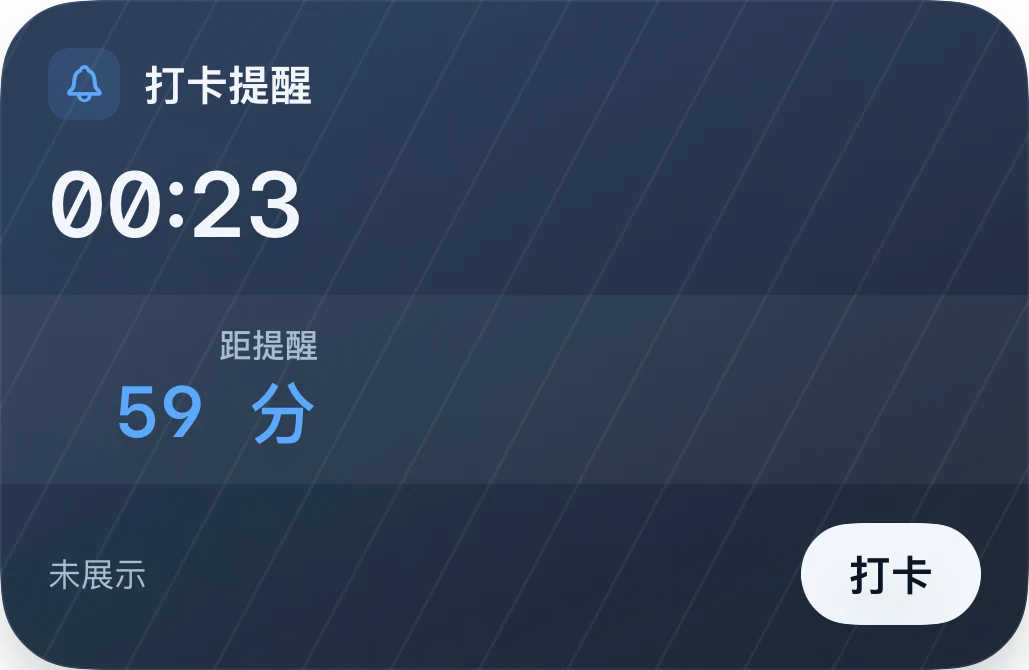
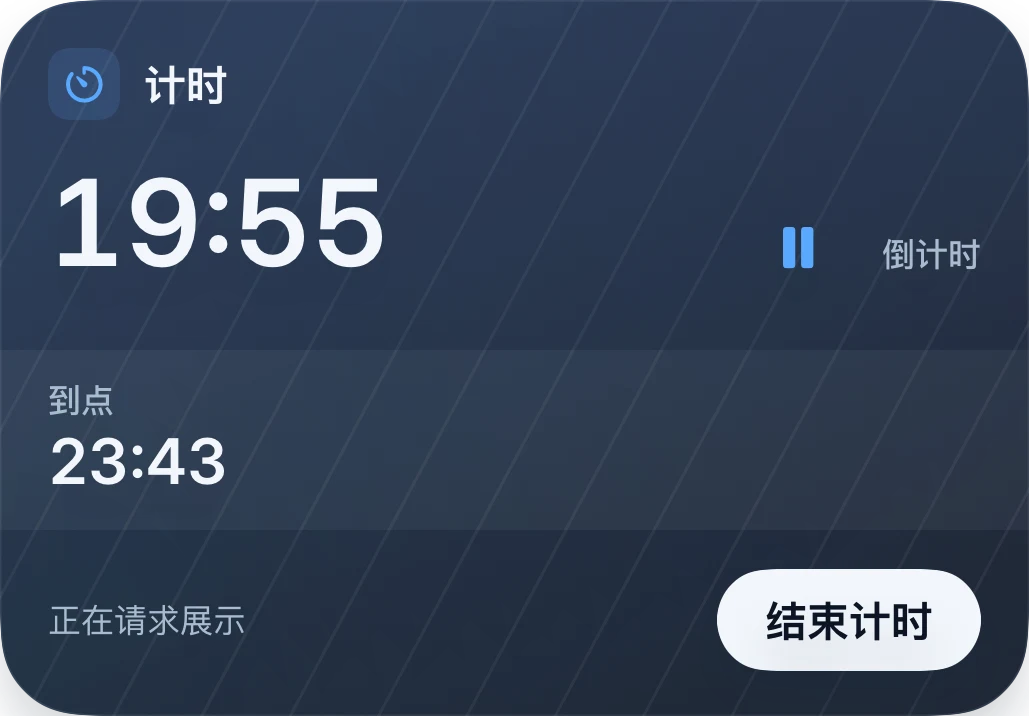
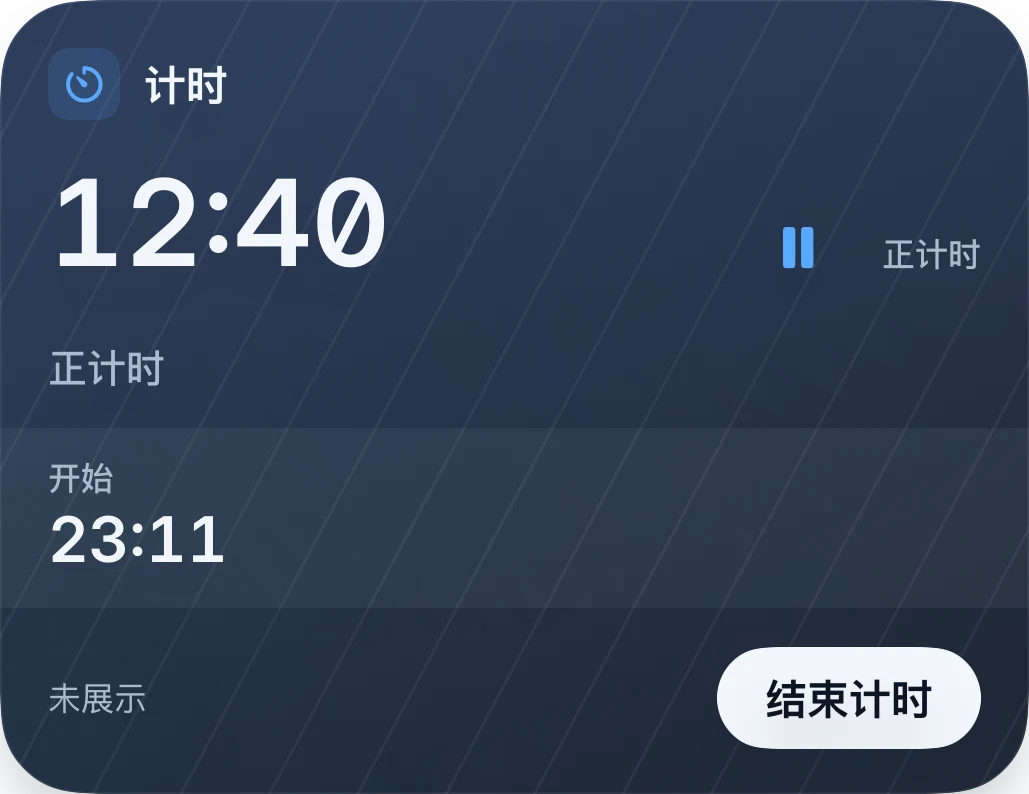
Choose scheduled display, start now or no Live Activity. Set when an item appears and when its display ends. See current and upcoming items together. Ending a display and completing an item are separate actions. Automatic display depends on system permissions and execution opportunities; you can also start manually.
Native 1.2 card component renders with sample data. Actual Lock Screen, Dynamic Island and Watch presentation depends on the device, system and permissions.
04NEAR 1.2
One card.
Twenty ways to make it yours.
20 themes, from Night Navy and Sakura to seasonal landscapes, stars and architectural light. Preview before applying, then adjust materials, textures and numerals. Night Navy and High Contrast are free; other themes and some appearance options require Pro.
Night Navy
主题与外观NiansiJade Fold
Native 1.2 card component renders with sample data. Actual Lock Screen, Dynamic Island and Watch presentation depends on the device, system and permissions.
05NEAR 1.2
A place for classes
and vaccination records.
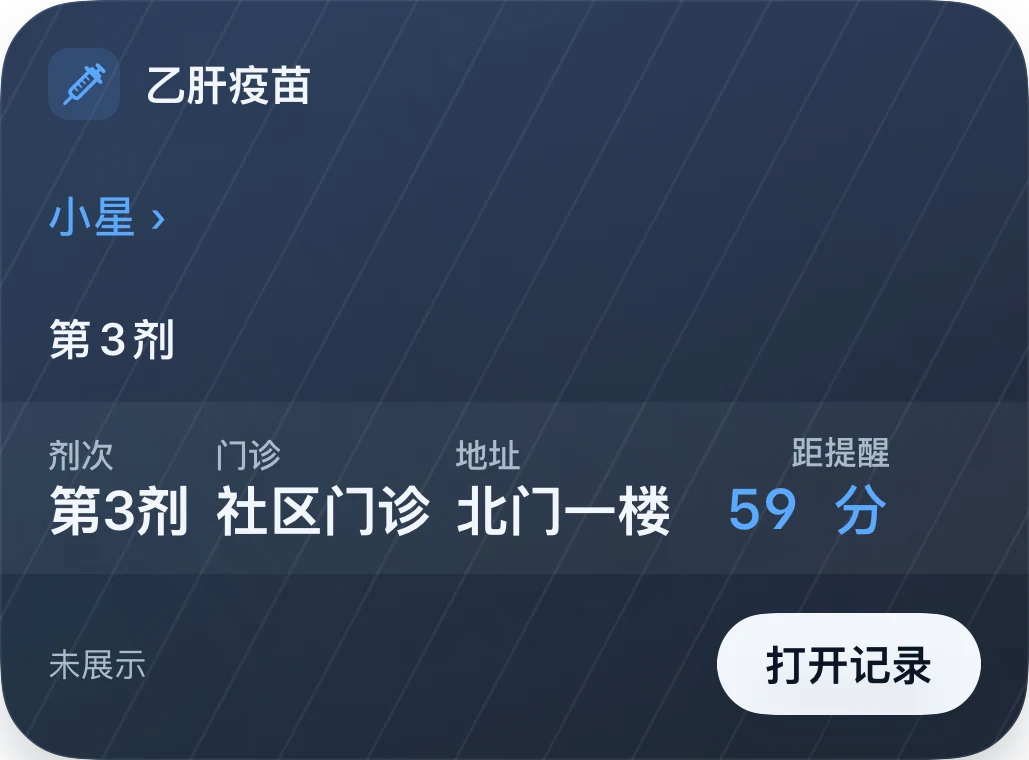
Set separate class sessions by weekday, start and end time, and teaching week. Review imported courses before saving. Organize vaccination appointments and history by child, vaccine and dose. This is a record keeper, not vaccination advice; follow your clinic's arrangements.
TrainFlightTo-doNote
Native 1.2 app screenshots with sample data and a Simplified Chinese interface. Select an image to enlarge it.
06NEAR 1.2
Set it up once.
Save a few steps every day.
Pass the message body for SMS, select the source app for notifications, and pass the image for screenshots. Connect a shortcut to Back Tap, AssistiveTouch or the Action button. Follow the guide for iOS 27 or earlier systems, including first-run permissions and troubleshooting.
Screenshots: add a shortcut compatible with your iOS version, bind it to Back Tap, AssistiveTouch or the Action button, then run it from the page you want to capture.
02
短信
SMS: create a Message automation and set sender or keyword conditions. Connect the current message body to the Text parameter of Organize in Near. Do not substitute the clipboard.
03
通知
Notifications: on iOS 27, select the source app and filters, then pass the current notification content as Text. On earlier systems, use a screenshot or copy content manually.
NEAR / Privacy
Privacy
Choose how content is processed. Local mode runs on your device; optional AI sends content to your configured provider. Optional iCloud sync is separate. Vaccination, medication and medical appointment records and their sources stay on-device. App usage analytics can be disabled; website analytics are explained in the privacy notice. Flight cards contain saved information, not live flight status.
 Near1.2